ONE SERVICE. COORDINATED WORK.
Customer, front-of-house, kitchen and stock should see the same order at the right moment.
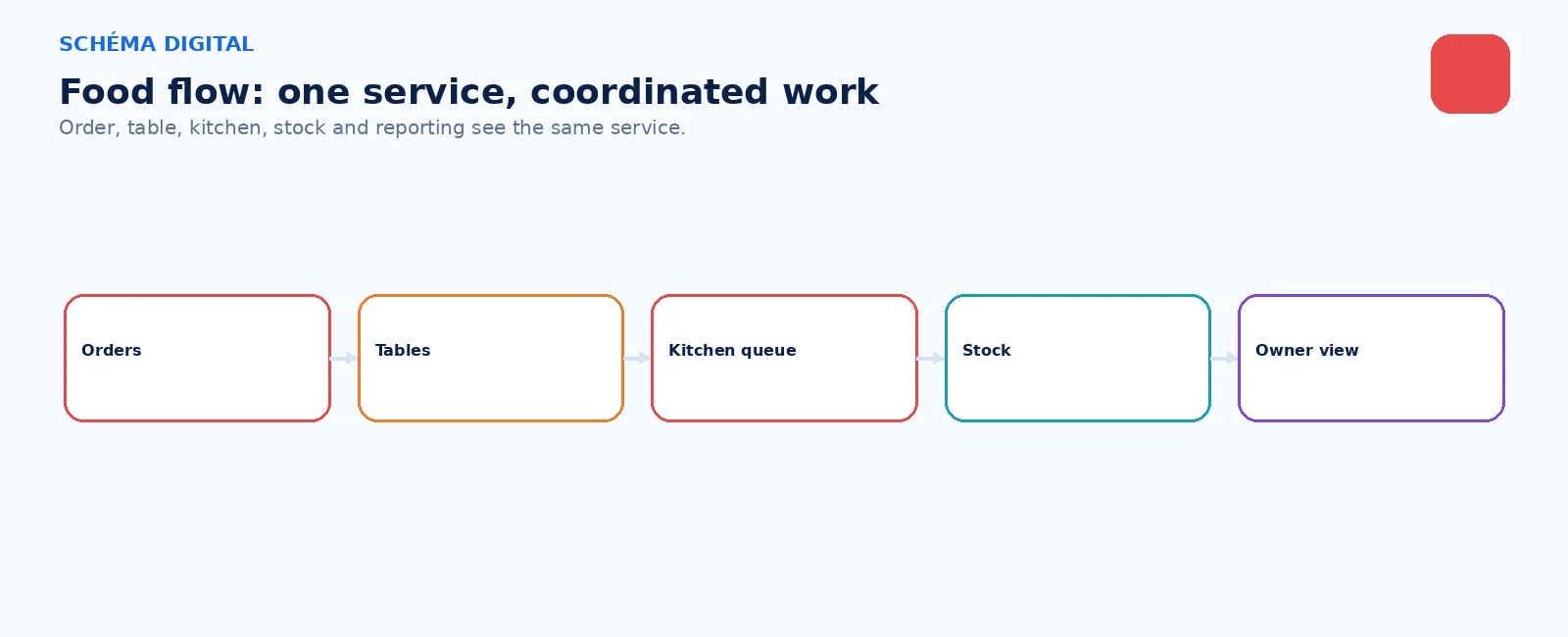

SCHÉMA FOOD
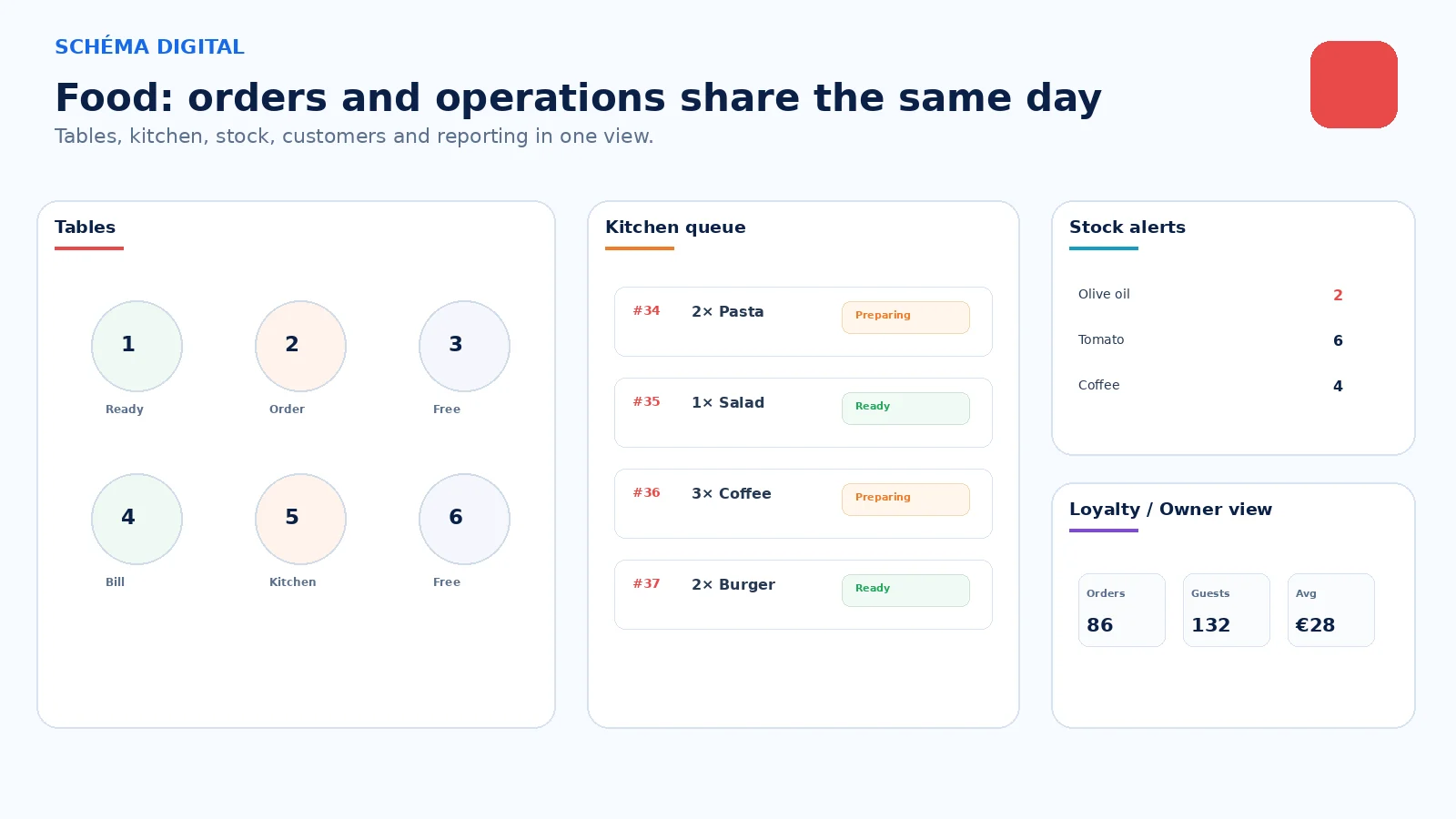
Schéma Food connects the customer touchpoint with the operational information behind it, so orders, reservations, products and daily reporting do not live in separate places.
ONE SERVICE. COORDINATED WORK.
WHAT STAYS IN SYNC
01
The current request stays visible from entry to ready status.
02
Operational stock can reflect what the service actually consumes.
03
Loyalty, notes and reporting come from the same day of operation.
FISCAL AND PROVIDER BOUNDARIES
Regulated fiscal functions, terminals, payment accounts and provider charges remain explicitly scoped.
STARTING SCOPE
PHASE 1
Menu, enquiries, reservations or order entry.
PHASE 2
Add tables, orders, customers, status and reporting.
PHASE 3
Add stock, suppliers, loyalty, locations and optional AI.
BUILT FROM THE PLATFORM
Commerce, Retail & POS, Inventory, Customers and Operations combine according to tables, takeaway, reservations, delivery or all of them.
SCHÉMA CORE
Websites
Commerce
Retail & POS
Inventory
Customers
Operations — optional
Schéma AI — optional
Websites · Commerce · Retail & POS · Inventory · Customers · Operations (optional) · Schéma AI (optional)
FOOD BUSINESSES
01
02
03
04
05
06
PRACTICAL QUESTIONS
No. Regulated fiscal functions use the appropriate licensed or supported provider route. Schéma provides the connected operational experience around it.
Yes. Start with the customer journey that matters and add other channels only when useful.
That depends on the required depth. Product or supply stock is straightforward; recipe-level consumption and specialised kitchen workflows require separate scoping.
SCHÉMA DIGITAL
Start with the customer route that matters — menu, reservations or orders — and add the operational layer that supports it.